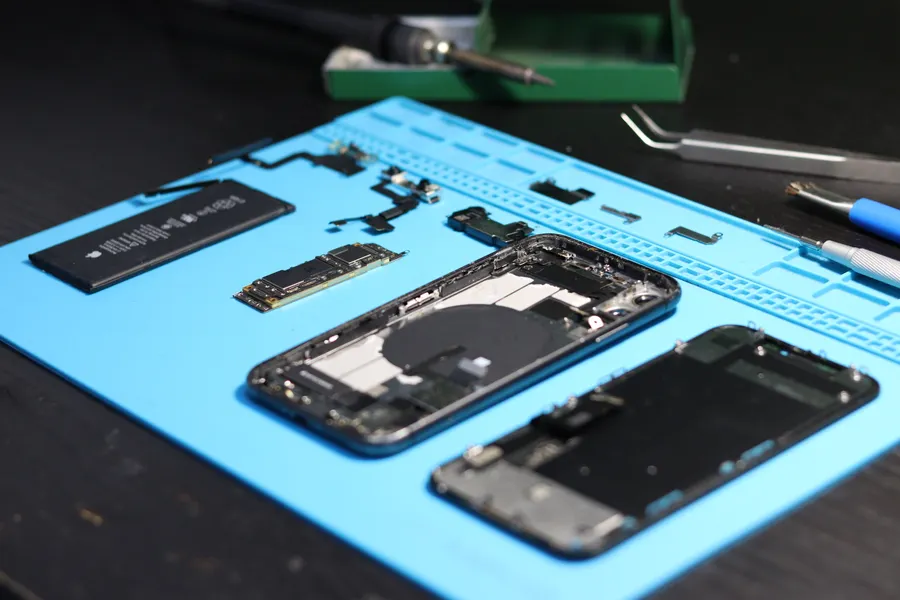
A phone that charges slowly, only at an angle or not at all is usually not a battery problem. In our shop, lint in the charging port is the number-one cause.
Check these first
- Try a different cable and wall adapter
- Look inside the port with a torch for lint or dust
- Restart the phone and check for a software update
- Try wireless charging if your phone supports it
When the port needs replacing
If the cable feels loose, the pins are bent or there are signs of corrosion, the port needs a cleaning or replacement. A charging port repair takes about 40 minutes — and if a free clean fixes it, we will tell you. Book a free diagnosis.