


Your work is good. But if your website hides it, clients never find out. That is why picking the right WordPress themes for portfolio sites matters so much. The theme controls how fast your images load, how your projects look on a phone, and how easy it is for someone to hire you.
We build and sell WordPress themes at ScintillaWP, so we test portfolio themes all the time. For this guide, we checked live data on WordPress.org and ThemeForest in July 2026. Below are 6 free themes and 5 premium themes that are worth your time.
Key Takeaways
- Free themes like Astra, Neve, and Sydney are enough to launch a clean portfolio today.
- Premium themes like Kalium and Oshine add project layouts, filters, and support for $29 to $119.
- Speed wins clients. Portfolios are image heavy, so a lightweight theme plus WebP images keeps load times low.
What Should a Portfolio Theme Do?
A good portfolio theme displays your projects in clean grids, opens images in a lightbox, filters work by category, and loads fast on mobile. It should also include an about section, testimonials, and a clear contact button so visitors can hire you without hunting around.
Most people miss one thing here. A portfolio is a sales page, not a gallery. Every theme on this list makes it easy to add a call to action next to your work. That single detail turns viewers into leads.
Best Free WordPress Themes for Portfolio Sites (WordPress.org)
Every free WordPress theme for portfolio use below comes from the official WordPress.org theme directory. That means each one passed a code review and gets regular updates.
1. Astra

Astra loads in under 50KB, which is rare for a theme this flexible. It ships with dozens of portfolio starter templates you can import in one click. It works with Elementor, the block editor, and every major page builder.
Best for: Anyone who wants a fast portfolio live in an afternoon. Price: Free, with a Pro upgrade from $49/year.
2. Neve
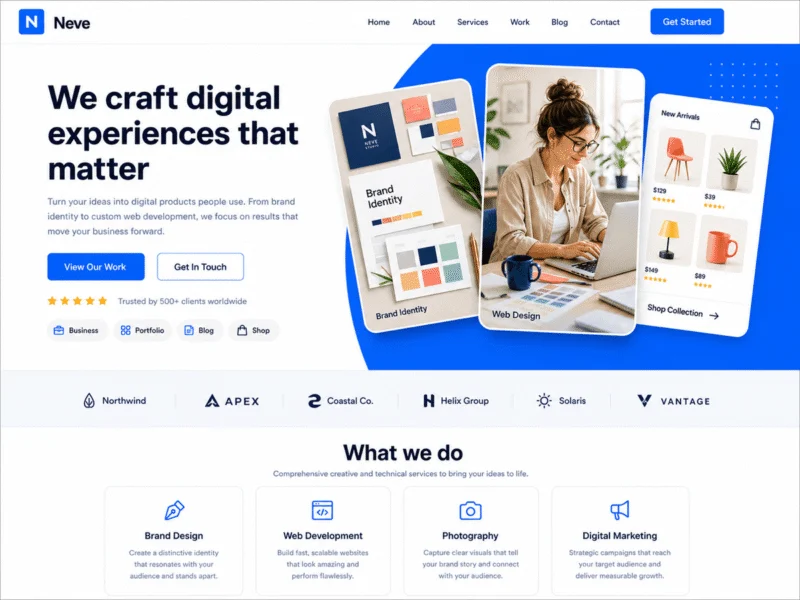
Neve is a lightweight WordPress free theme for portfolio builds that don’t need photo-specific extras. Its starter site import runs clean, and its mobile rendering handles heavy images well. Minimal design keeps the focus on your work.
Best for: Minimalist portfolios for designers and freelancers. Price: Free.
3. OceanWP
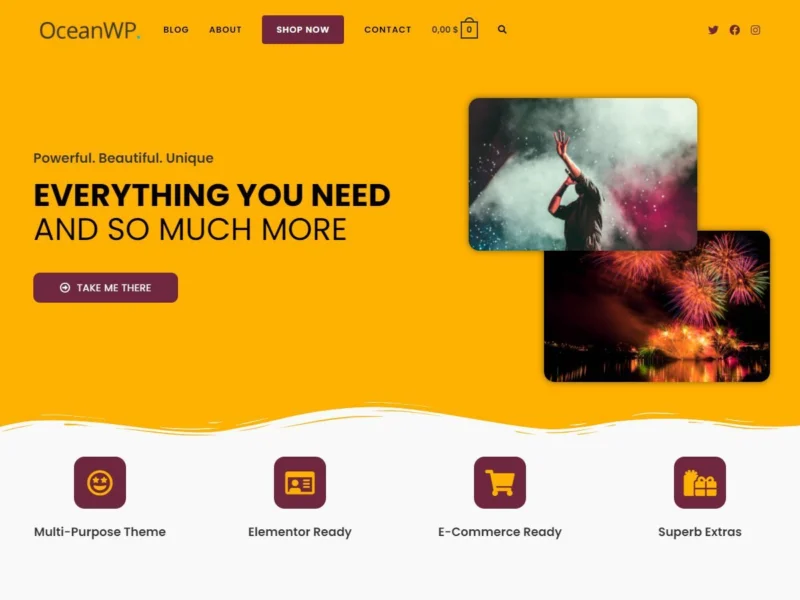
OceanWP has an optional portfolio extension plus deep WooCommerce support. If you plan to use WordPress for portfolio website and shop in one place, this is the smart pick. You can sell prints or digital files right next to your work.
Best for: Creatives who sell products from their portfolio. Price: Free, extensions paid.
4. Sydney
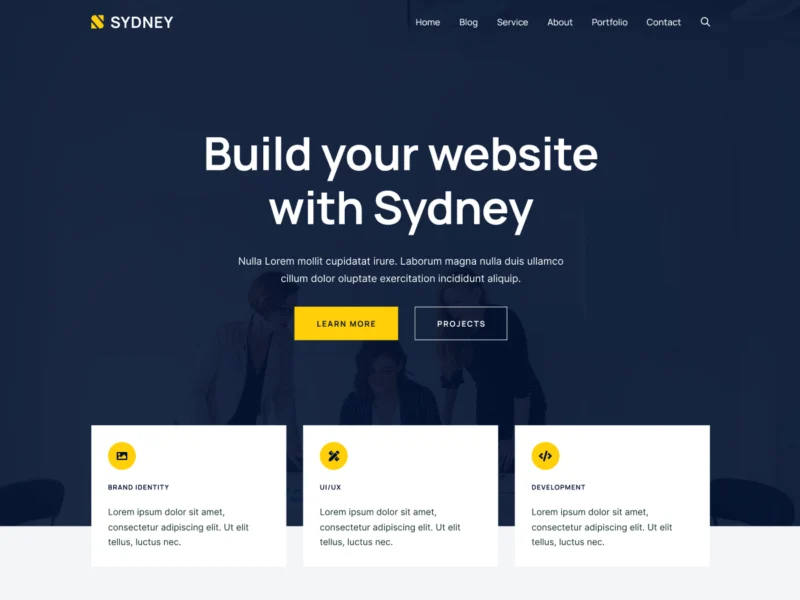
Sydney is one of the most polished free WordPress themes for portfolio websites that also need business pages. You get a fullscreen slider, testimonials, and Elementor-ready blocks. It looks premium without the price tag.
Best for: Freelancers who pitch services next to their work. Price: Free, Pro from $69/year.
5. Hestia
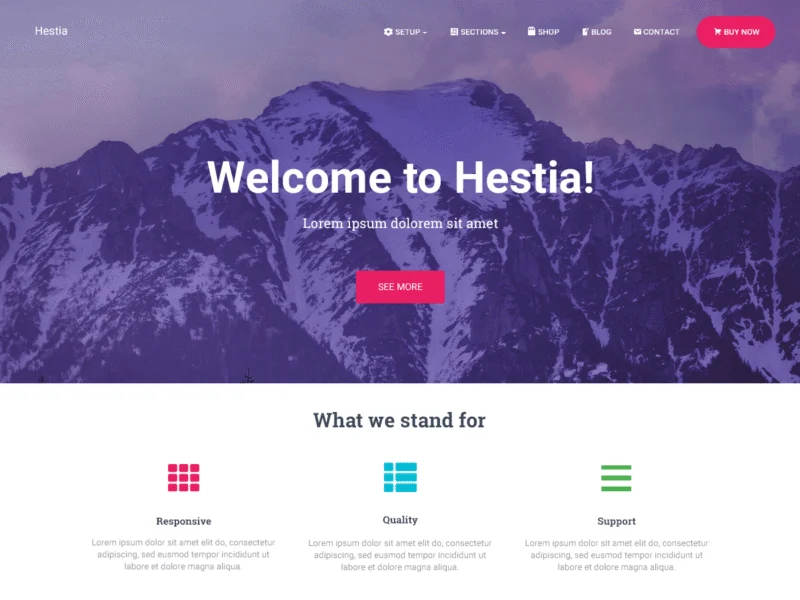
Hestia uses a modern one-page layout with material design. It suits a simple portfolio: a few featured projects, a short bio, and a contact form. It does not scale well to deep case studies, so keep it for lean sites.
Best for: Simple one-page portfolios. Price: Free.
6. Inspiro

Inspiro is built for photographers and video creators. The free version gives you fullscreen image layouts and a clean project grid. Video backgrounds and advanced galleries sit in the Pro version at $69/year.
Best for: Photography and video portfolios. Price: Free, Pro at $69/year.
Best Premium Portfolio Themes on ThemeForest
Premium themes add project post types, filters, hover effects, and support. We pulled these from the ThemeForest portfolio category using live sales data from July 2026.
7. Kalium ($119)
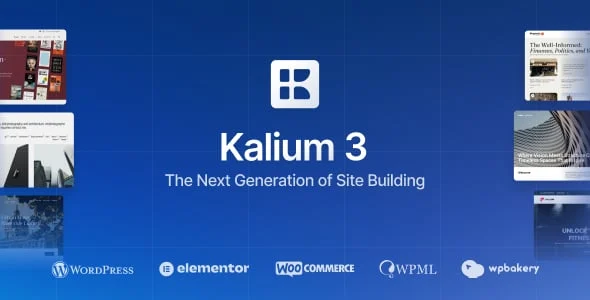
With 47,000+ sales and a near-perfect rating, Kalium is arguably the best WordPress theme for portfolio website projects at the pro level. It offers 30+ portfolio layout styles, smooth animations, and clean case study pages. Agencies love it for client work.
8. Brooklyn ($69)
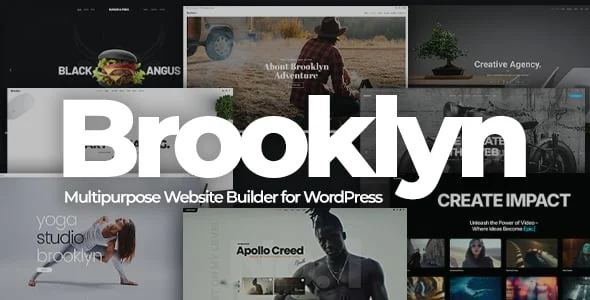
Brooklyn has passed 52,000 sales, which makes it the top seller in this category. You get 50+ demos, a drag and drop builder, and strong one-page portfolio options. It is a safe, proven choice.
9. Oshine ($69)
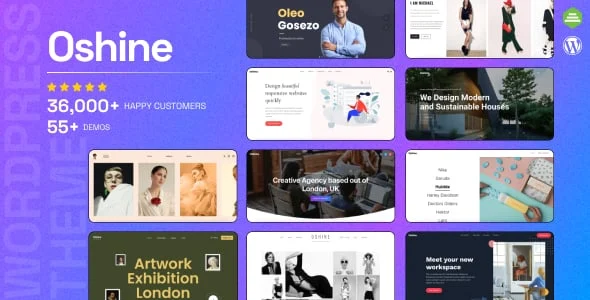
Oshine (38,000+ sales) is a favorite with photographers and studios. Its masonry grids, fullscreen galleries, and subtle animations make image-heavy portfolios feel premium. Demo imports are quick and reliable.
10. Ohio ($59)

Ohio (22,000+ sales) pairs Elementor with a modern, editorial look. It includes WooCommerce support, so you can sell services or products beside your projects. A strong pick for creative agencies and freelancers.
11. Bigbang ($29)
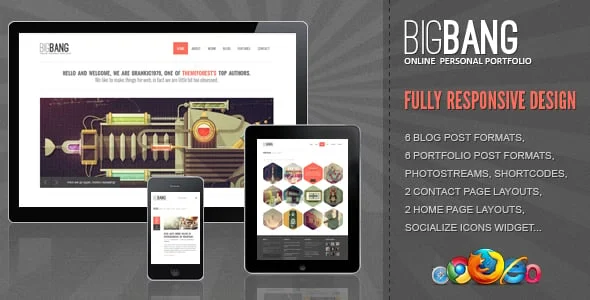
Bigbang is the budget option at $29 with 10,000+ sales behind it. It ships with several unique portfolio grid shapes, including hexagon and circle layouts. Great value if you want a premium look for less.
Free vs Premium: Quick Comparison
| Theme | Source | Price | Best For |
|---|---|---|---|
| Astra | WordPress.org | Free | Fast launch, starter templates |
| Neve | WordPress.org | Free | Minimalist portfolios |
| OceanWP | WordPress.org | Free | Portfolio + shop |
| Sydney | WordPress.org | Free | Freelancer services |
| Hestia | WordPress.org | Free | One-page portfolios |
| Inspiro | WordPress.org | Free / $69 Pro | Photography and video |
| Kalium | ThemeForest | $119 | Agency-grade case studies |
| Brooklyn | ThemeForest | $69 | Proven all-rounder |
| Oshine | ThemeForest | $69 | Photo-heavy portfolios |
| Ohio | ThemeForest | $59 | Elementor + WooCommerce |
| Bigbang | ThemeForest | $29 | Budget premium look |
Want a theme that is already tuned for speed and SEO? Browse our premium WordPress themes and launch your portfolio this week.
How to Choose the Right Portfolio Theme
- Test the demo on your phone first. Most clients will see your portfolio on mobile before desktop.
- Check load speed. Run the demo through PageSpeed Insights. Image-heavy themes vary a lot.
- Look for a real portfolio post type. Filters and project pages beat a plain image gallery.
- Match the theme to your work. Photographers need fullscreen layouts. Designers need case study pages.
- Confirm update history. A theme updated in the last 3 months is a healthy theme.
Common Mistakes to Avoid
Uploading full-size images. A 5MB photo will sink your load time. Compress everything and use WebP format, ideally under 100KB per image.
Showing every project you ever made. Ten strong pieces beat forty average ones. Curate hard.
Hiding the contact button. Put a clear call to action on every page. Make hiring you a one-click task.
Skipping the about page. Clients hire people, not grids. A short bio with your face builds trust fast.
FAQs About WordPress Themes for Portfolio Sites
What is the best free WordPress theme for a portfolio?
Astra is the best free pick for most people. It is fast, flexible, and includes ready-made portfolio starter templates.
Can I build a portfolio without a portfolio-specific theme?
Yes. Any theme that supports a page builder can show project grids. Dedicated themes just save setup time with built-in filters and lightboxes.
Is WordPress good for portfolio websites?
Yes. WordPress gives you full ownership, thousands of theme options, and easy SEO. That is why most freelancers and agencies use it.
How much does a premium portfolio theme cost?
Most ThemeForest portfolio themes cost $29 to $119 as a one-time fee, which includes six months of support.
Do free portfolio themes hurt SEO?
No. Themes like Astra and Neve are well coded and SEO friendly. Your content and image sizes matter more than the price tag.
Which theme is best for a photography portfolio?
Inspiro (free) and Oshine (premium) are the strongest photography picks, with fullscreen galleries and clean grids.
Can I sell work from my portfolio site?
Yes. OceanWP and Ohio both support WooCommerce, so you can sell prints, files, or services next to your projects.
How many projects should a portfolio show?
Aim for 8 to 12 strong projects. Enough to show range, few enough that every piece earns its place.
Should I use Elementor with a portfolio theme?
It helps if you want custom layouts without code. Astra, Sydney, and Ohio all pair well with Elementor.
Can I switch themes later without losing my work?
Your posts and images stay safe. Layouts built with theme-specific tools may need a rebuild, so choose carefully upfront.
Final Thoughts
The best WordPress themes for portfolio sites share three traits: fast loading, clean project layouts, and a clear path to contact you. Start free with Astra or Sydney if budget matters. Go premium with Kalium or Oshine when your work deserves the extra polish. Either way, curate your projects and compress your images.
Need help picking or setting up a theme? Contact our team, or explore more guides on our WordPress blog.